A pipeline that only saw views
I run a pipeline that generates and uploads Shorts on its own. It uploads through the YouTube Data API, and until now it judged performance by per-video view counts alone. A view count mixes a lot of things together. Did people watch to the end? Did they subscribe? How often did the video even show up in recommendations? All of that is buried in one number.
So I decided to go a level deeper. The goal was average view percentage (how much of each video people watched). If I could, I also wanted impressions and click-through rate (CTR). Those two are what you need to tell whether the thumbnail and title are the problem or the video itself is.
So here is a question for you. Is there a metric in your project you've filed under "we'll just pull that from the API"? Have you checked that the API actually returns it?
I hadn't. I assumed that once I had the right permission, everything I wanted would be there.
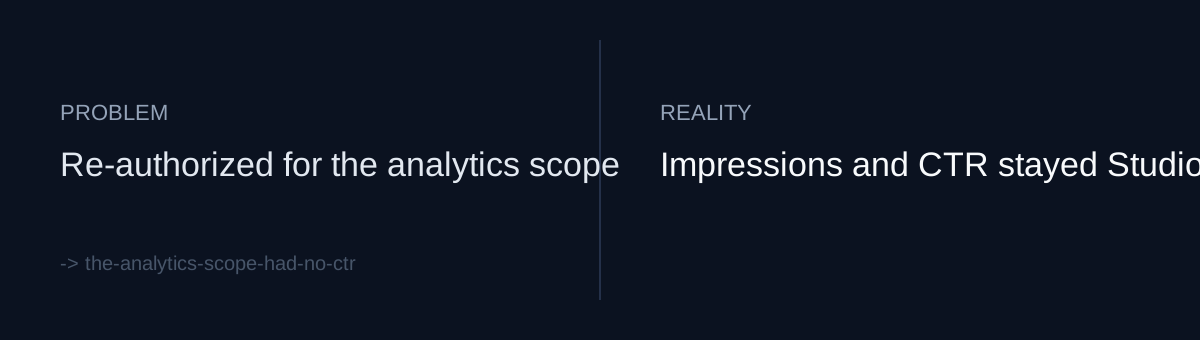
Gotcha one: the upload token can't read analytics
The OAuth token I used for uploads only had the upload scope. To call the YouTube Analytics API v2, you need a separate yt-analytics.readonly scope. The code change was small: I added one line to the SCOPES list in the upload script.
The work came after that. When you add a scope, tokens you already have can't use the new permission. You have to go through the consent screen again and re-authorize. My commit message says "re-auth required" for that reason. In a pipeline that runs unattended, re-authorizing means a person has to open a browser and click through it. A one-line code change doesn't cover that.
Gotcha two: impressions and CTR weren't in the response
After re-authorizing, I queried v2 and got these metrics back:
- average view percentage
- watch time
- subscribers gained
- shares
Impressions and CTR weren't there. The API doesn't expose them. You can only see them in Studio. I had the right permission, and the two numbers I wanted most still weren't on the list.
There was one more catch. Analytics data takes about a day to process. You can't get today's average view percentage for a video you uploaded today.
What would you do?
Would you scrape Studio to get CTR, or rework how you judge videos around what the API actually gives you?
What I did
I chose to use only what the API gives me. I wrote a 70-line report script, analytics_report.py, that pulls average view percentage, watch time, subscribers gained, and shares. I also wrote both limits into the code: impressions and CTR are Studio-only because the API doesn't expose them, and the data arrives about a day late.
I wrote them down for my future self. If the report has an empty CTR column, I'll assume it's a bug and spend time hunting for it. If a video from today shows zeros, I'll read it as a flop. Writing down what's missing and what's delayed heads off both mistakes.
This didn't fix the real bottleneck, though. My automated path still doesn't have the numbers I'd need to tell a weak video apart from a weak thumbnail or title. There was no cheap fix for that.
Self-check
- For each metric you plan to put on a dashboard, have you checked the docs or made one real call to confirm it's actually in the official API response?
- If you add a scope, have you planned for re-issuing existing tokens, including who will re-authorize and when?
- Because of processing delay, recent values can show up as zero or blank. Have you marked that in your code or report so nobody reads it as "no performance"?
The honest part
My claim that impressions and CTR are Studio-only is based on what I saw when I queried v2. I haven't checked whether other routes, such as bulk reports, are blocked the same way. I now get average view percentage, but I don't yet know if it will actually help pick the next video. As I write this, I know two things: the script exists, and some numbers come back while others don't.