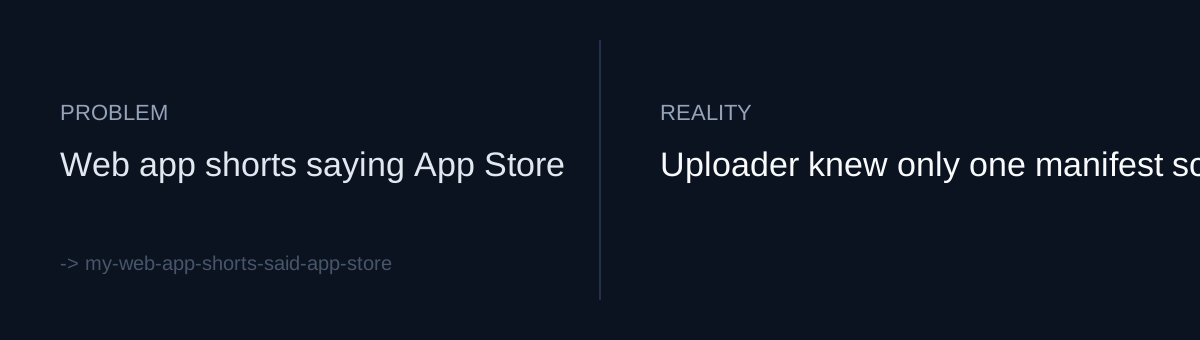
The videos changed, the uploader didn't
I have a pipeline that generates Shorts and uploads them automatically. Rendering and uploading are separate steps. The upload script reads a manifest, and build_meta assembles the title, description, and hashtags.
The pipeline started out promoting mobile apps. So the descriptions carried App Store links and iPhone app wording, and the hashtags were app-oriented.
Then web app videos came in. The web app manifest (apps_hook_web.json) uses a hook/cuts structure, which is a different schema from the app manifest. The video side was updated for the new schema, but the uploader's build_meta still only understood the app manifest. The code was still set up to tell viewers "get it on the App Store" for a web app that has no store page at all.
When your pipeline gains a new input format, does the very last stage actually get told about it?
The second hole: the links weren't clickable
I assumed a web app just needed a web link in the description. But Shorts block clicks on links in descriptions and comments. However correct the copy is, if viewers can't tap the link, it leads nowhere.
So this wasn't only a wording bug. There was no path from the video to the destination.
What would you do: keep the link in a spot where it can't be clicked, or change the path?
What I changed
One commit, three changes.
First, build_meta now reads the hook/cuts schema. For web apps it uses the web link and web app hashtags, and drops the App Store and iPhone app wording.
Second, the Shorts description now includes a line pointing viewers to the profile link. If description and comment links can't be clicked, the profile is the only place left to send people.
Third, the upload script got --source web and --dry-run. Dry-run shows the assembled metadata without uploading anything. A public upload is a pain to undo, so I needed a step where I can check it by eye first.
I added three regression tests (test_upload_meta.py). The diff was 70 lines changed in upload_youtube.py and 60 lines of tests.
The cheap fix would have been editing a few lines of copy. The real bottleneck was an uploader that couldn't tell manifest types apart, and under that, a platform constraint that blocks link clicks. I fixed the first in code. The second I could only work around.
Self-check
- When a new input schema appears upstream, have you confirmed that the final metadata step handles it explicitly?
- Have you verified yourself that links in your descriptions are actually clickable on that platform, in that format?
- Before a public upload, do you have a dry-run that shows the assembled title, description, and tags without sending anything?
The honest part
This record doesn't say how many web app videos went out with App Store copy before the fix. I also don't know yet whether the profile CTA increased clicks or visits. I can't change the link-click restriction; the profile CTA is just the best workaround available inside it. The three regression tests cover the metadata assembly logic, and that's all. They won't catch a change in platform policy.