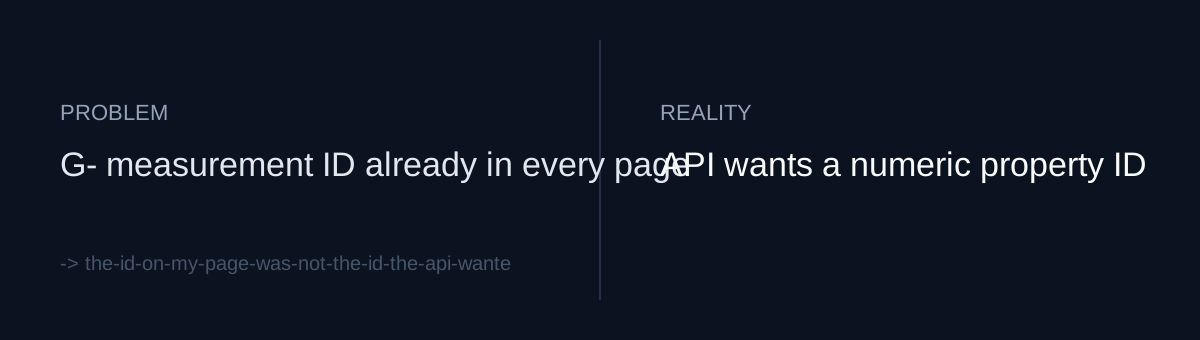
The card existed, the way to turn it on did not
I use a small Python hub (hub.py) to see the state of several projects on one screen. I wanted to add a card showing GA4 visit numbers.
It looked simple at first. I already knew my GA4 measurement ID. That string starting with G- sits right in the gtag snippet of every deployed page. I assumed passing that ID along would be enough to pull numbers back.
But the identifier GA4 uses for reading report data is not the measurement ID. It is a numeric property ID. What I had was the ID for sending data, and the reading side asks for a different one.
If your dashboard reads from an external analytics tool, is the ID in your config the "sending" ID or the "reading" ID?
Two things were missing
To actually turn the card on, two things were empty.
First, a credential with read access. Second, the numeric property ID to query with that credential. The second depends on the first, because you have to be authenticated before you can list properties.
Even with both in hand, one more thing remained. The hub is launched by launchd using the interpreter written in its plist. Installing the GA4 Python library somewhere was not enough. The exact interpreter running the hub had to be able to see it.
What would you do: copy the property ID from the console once and paste it into config, or make the code find it starting from the measurement ID?
One consent, and the ID finds itself
On 2026-08-07 I wrote a new 95-line script, ga4_auth.py. Here is what it does.
It asks for user OAuth consent once, with a single scope: analytics.readonly. With the resulting token, it uses the Admin API to walk the accessible properties and find the one matching my measurement ID. The numeric property ID it finds gets written to a file.
So I never copied a number from the console. I started from the value I was certain of, the measurement ID baked into my pages, and let the script walk from there to the reading-side ID.
The change in hub.py was about lookup order. For credentials, it uses the OAuth token first if it exists, and falls back to a service account otherwise. For the property ID, it reads the file ga4_auth.py wrote first, and falls back to an environment variable.
The library problem I solved without installing anything new. A virtual environment I had already built for a Search Console report contained the GA4 library, so I switched the hub's plist interpreter to that environment's Python.
The whole change was two files, 123 lines added and 8 removed.
Self-check
- Have you separated the analytics IDs in your config into ones used for sending data and ones used for reading it through an API?
- When there are several kinds of credentials, is the order your code picks them in written down in one place?
- Have you checked which interpreter your background process actually runs under, and whether that interpreter has the libraries it needs?
The honest part
This commit built the path to turning the card on. The record does not say what numbers the card showed afterward. I also did not check whether a service account alone could have done the same job; I only put OAuth first in the order. I did not look into how long the user OAuth token stays valid at this point either. And borrowing another project's virtual environment was fast, but it adds a coupling: if that environment changes, the hub shakes with it.