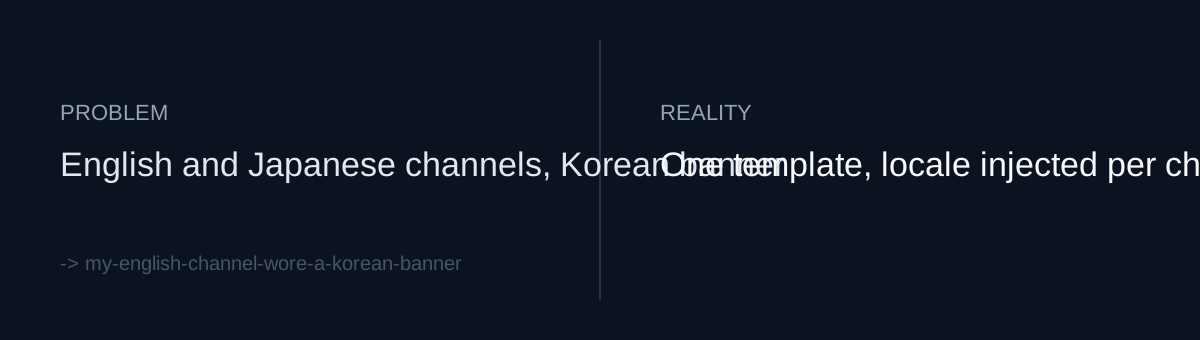
Separate channels per language, one banner
I run YouTube content channels for the same brand, split by language: a Korean channel, an English channel, and a Japanese channel. There is also a separate devlog channel.
The reason for splitting by language was to show viewers a channel in their own language. Yet as of a commit dated 2026-08-06, the English and Japanese channels were still using a banner with Korean text baked into it. Video titles and descriptions were localized, but the first and largest image on the channel page was in Korean.
The cause was simple. The banner was a single finished image with the Korean copy included, and there was no step that rebuilt it per language. When a new channel was created, that image was just copied over.
When you mark localization as done on your own project, does that list include assets where the text is baked into pixels, like banners, OG images, and store screenshots?
Why the banner slipped through
Translation pipelines catch strings. They do not catch text inside images. It is pixels, not strings, so you can have "zero missing translations" by string count while the banner stays in Korean.
Banners also rarely get looked at again. Videos go up constantly; the banner gets set once when the channel is created and is then forgotten.
What would you do: hand-make three more banner images, or change the banner into something that can be regenerated?
What changed: a template instead of an image, a script instead of manual uploads
I split it into two files, 132 lines in total.
banner.html — an editable 2560x1440 banner source. It has a bold brand wordmark, a gradient rule, and corner glows. The copy that varies by language is not hardcoded into the HTML; it comes in through a ?tag=&link= query. Headless Chrome renders it into a per-channel image. The design lives in one place, and the language becomes a parameter.
banner_ops.py — does two jobs.
- Audits the banners currently live on the content channels and the devlog channel.
- Uploads a banner per channel.
The trap inside the upload: description and keywords
Uploading a banner means updating the channel's brandingSettings. The script is written to preserve the channel block inside brandingSettings during that update. The stated purpose in the commit is so the channel description and keywords survive the update.
In other words, the structure is such that changing a banner could cost you the channel description and keywords. It is tempting to think you only need to send the image field, but other values that live in the same settings group have to be carried along and sent back too.
Self-check
- Does your definition of "localized" cover assets with text baked into images (banners, thumbnail templates, OG images), not just strings?
- For those images, do you have a source (template plus parameters) you can re-render per language, or only one finished image?
- When you update a settings group through an API, are you preserving and resending the fields you don't intend to change?
The honest part
What this commit records is the tool for fixing the banners. How long the Korean banner had been up, and what effect it had on channel visitors in the meantime, is not in the record, and I don't know. I also did not measure whether subscriptions or views changed after the banner was replaced. I built an audit script, but there is no record of it being scheduled to run regularly, so I can't promise the same thing won't happen the next time a channel is added.