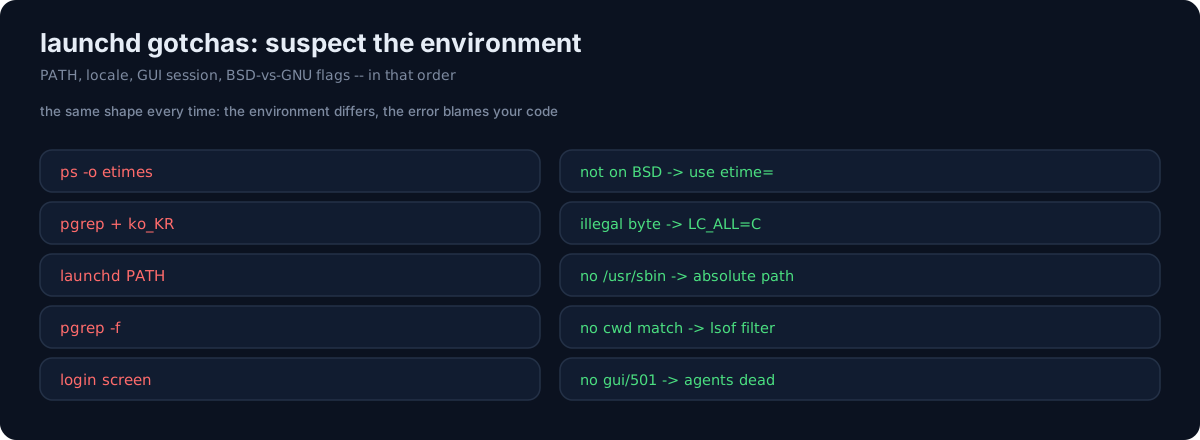
I run scheduled jobs on an always-on Mac. Each of these traps cost me a debugging session because the failure never pointed at the real cause.
1. ps -o etimes doesn't exist on macOS
BSD ps has no etimes keyword — that's Linux procps only. Use ps -p PID -o etime= and parse the [[DD-]HH:]MM:SS format. Code that works on Linux silently fails here.
2. pgrep fails under a Korean locale
With the shell locale set to ko_KR.UTF-8, pgrep -f <pattern> throws illegal byte sequence. Force the C locale for the subprocess:
env = {**os.environ, "LC_ALL": "C", "LANG": "C"}
subprocess.run([...], env=env)
3. launchd's PATH doesn't include /usr/sbin
A plist with PATH=/usr/local/bin:/usr/bin:/bin can't find /usr/sbin/lsof — FileNotFoundError. Use absolute paths for lsof, dscl, vm_stat, sysctl, etc., or add /usr/sbin to the plist PATH.
4. pgrep -f doesn't match the working directory
macOS pgrep -f only inspects the full command line, not cwd. A bot identified only by its working directory (python main.py from a specific folder) needs an lsof -a -p PID -d cwd post-filter.
5. LaunchAgents don't boot at the login screen
After a reboot, if the Mac sits at the macOS login screen, the gui/501 domain doesn't exist, so no LaunchAgents load — every scheduled job is down. You can't bootstrap it over SSH either (bootstrap fails with an I/O error). The workaround is to reproduce the plist's command manually with nohup until someone logs in — and a supervisor that self-exits once the real launchd boots.
The honest part
Every one of these is the same shape: a tool behaves differently under launchd's minimal environment, a non-C locale, or BSD userland than it does in my interactive shell — and the error blames my code. When a scheduled job fails but the same command works in your terminal, suspect the environment, not the logic: PATH, locale, GUI session, and BSD-vs-GNU flags, in that order.