Deploying one app is a command. Deploying dozens without babysitting each one is a small system.
Parallelize, but in batches
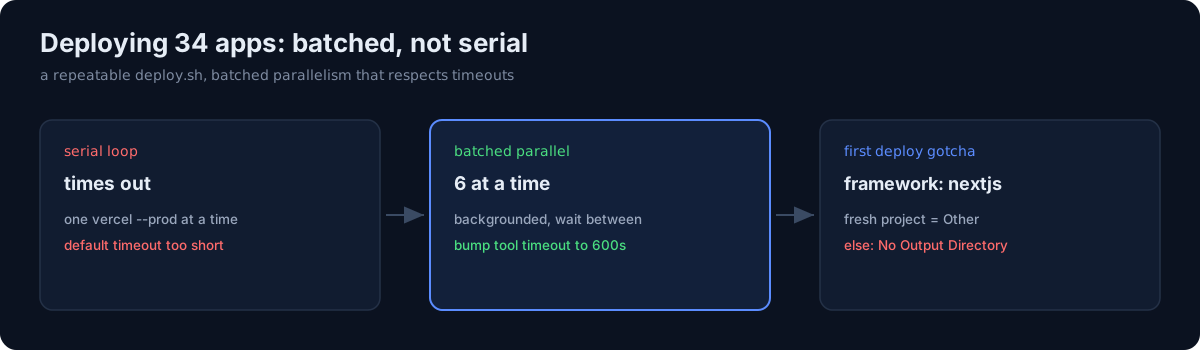
A naïve serial loop over vercel --prod times out — the default command timeout is too short for a queue of builds. I run them in the background, a handful at a time:
for a in "${apps[@]:0:6}"; do ( cd "$a" && vercel --prod --yes >"$a.log" 2>&1 ) & done
wait
Six at a time, backgrounded, wait between batches. Bump the tool timeout way up (600s) or the runner kills the batch mid-build.
The vercel.json gotcha
A project created via vercel project add gets framework "Other", and the first deploy fails with "No Output Directory named public". The fix is one committed line:
{ "framework": "nextjs" }Without it, every fresh project's first deploy face-plants.
Stale .next/types false alarms
Running tsc --noEmit locally sometimes throws a pile of TS2307 errors referencing routes I deleted — because .next/types is stale, not because my code is broken. rm -rf .next && tsc --noEmit gives a clean read. Vercel builds clean anyway, so it never affected deploys — just my confidence.
The honest part
The leverage isn't a fancy CI. It's a repeatable deploy.sh per app, batched parallelism that respects timeouts, and knowing the two or three gotchas (framework line, stale types, and that zsh won't word-split an unquoted variable, so batch lists must be literal). None of it is clever. All of it is the difference between "deploy one app" and "keep 34 alive."