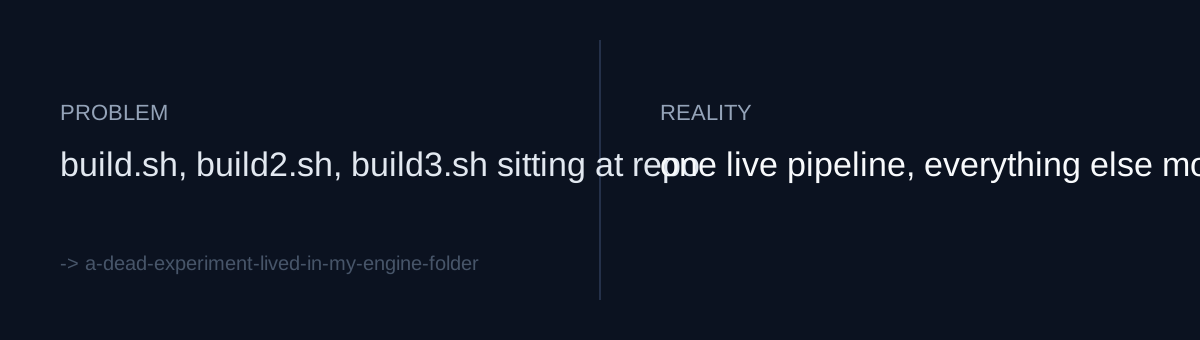
The root couldn't tell me which one was current
Opening the repo root showed build.sh, build2.sh, and build3.sh side by side. Which of the three actually runs today? The filenames couldn't answer that. Next to them sat narration.txt and narration.srt, and under subs/ were s1.txt through s5.txt plus footer.txt. Preview output, assets, and a rendered mp4 lived on the same level.
The current pipeline lived in that same root: engine/, docs/, apps.json, hook/, channel/. Living and dead in one screenful.
This normally gets filed under "clean it up later," because nothing is broken. Nothing was broken. Builds ran, deploys went out.
But of the files in your repo root, how many does your pipeline actually read?
The junk at the root was the safe part
build2.sh isn't dangerous for a simple reason: the name itself is already suspicious. Nobody looks at build3.sh and assumes it's the canonical entry point. Visible clutter gets routed around by humans automatically.
What actually caught me was elsewhere. One test JSON from the v1 experiment was sitting inside engine/ — the current pipeline's own directory. It had an underscore-prefixed test-fixture name, so to anyone reading that directory fresh, it looks like test data for the live engine. Three build scripts at the root make noise. A dead file parked inside the correct directory makes none.
That's when the target shifted from "the root is messy" to "the current directory can't be trusted."
Where the cheap fix ran out
Moving files takes a minute. Deciding which files are dead is the work.
To confirm subs/s3.txt is dead, you have to confirm no code in the current pipeline reads that path. Then repeat the same question for six subtitle fragments, two narration files, three build scripts, plus preview, assets, and the mp4. This doesn't automate. Grep finds references, but the absence of a reference is not proof of death — a script you used to invoke by hand has no references anywhere in the code.
Would you delete, or would you move?
Move it, but keep the history attached
I used git mv into legacy/. The reason for mv over rm is the cost of being wrong. If the judgment is bad, a delete becomes a recovery job while a move becomes a one-line path revert. Root files became legacy/build.sh, legacy/narration.srt, and so on; subs/ went over whole as legacy/subs/; the v1 test JSON came out of engine/ into legacy/.
The current pipeline was left alone. engine/, docs/, apps.json, hook/, and channel/ stayed at the root. The goal wasn't tidiness — it was establishing one rule: what remains at the root is current.
And one line went into docs/JOURNAL.md. This commit changes effectively zero lines of code; that single line is the only insertion. The person who will look at legacy/ in three months and ask why it exists is me.
Self-diagnosis checklist
- Is there anything inside your current pipeline directory that isn't current? That matters more than the clutter at your root.
- Do you have multiple files with numeric suffixes for the same job (
build2,build3)? If so, what tells you which one is real, other than the filename? - Did you archive with
mvrather thanrm? Have you priced out what reverting costs if the call was wrong?
The honest part
This commit deferred a problem rather than solving it. There's no plan for when legacy/ actually gets deleted. And I didn't record running the pipeline end to end afterward to confirm the moved files were genuinely dead — a good share of the judgment leaned on filenames and memory.
The commit message says preview, assets, and the mp4 were archived too, but the diff stat shows 13 files. The rest appear to have been untracked output all along. I say "appear" because I didn't check at the time. Untracked files quietly sit out cleanups like this one, and they're still there the next time you open the root.